Veeam Backup and Replication Professional Secure Utility
4.86/5 (20 Reviews)
Veeam Backup and Replication is a powerful enterprise grade data protection and disaster recovery solution.
System Utilities
File Management
Trialware
FREE DOWNLOAD (v13.0.1.2067)
File Size: 19.6GB | Safe & Verified
Key Features of Veeam Backup and Replication
- Veeam Backup and Replication is a premier system utility designed for high performance data protection and advanced disaster recovery management.
- It provides enterprise users with a robust environment to create image based backups for virtual physical and cloud workloads ensuring that critical infrastructure is always protected against ransomware and hardware failure.
- The software features instant virtual machine recovery and built in deduplication allowing for rapid restoration times while significantly reducing storage requirements.
- In 2026 it remains a vital tool for IT administrators needing a safe and verified environment for complex data routing and automated backup testing.
- Its support for immutable storage repositories ensures that backup data remains completely secure from malicious encryption attempts.
- Veeam Backup and Replication is the globally trusted choice for scalable and reliable enterprise data management across all modern Windows environments.
How to Set Up and Manage Backups with Veeam Data Platform
Veeam provides a unified platform for comprehensive data protection. Follow these foundational steps to configure your first backup job and ensure your data is recoverable:
-
Add Managed InfrastructureOpen the Veeam Backup & Replication console. Navigate to the Managed Servers tab to add your hypervisors (VMware vSphere/Microsoft Hyper-V) or physical agents. This allows Veeam to communicate directly with your data sources.
-
Configure a Backup JobClick on Backup Job in the Home tab. Name your job and select the virtual machines or files you wish to protect. Define your Backup Repository (destination) and set a retention policy that meets your compliance needs.
-
Enable Immutability for Ransomware ProtectionTo protect against deletion or encryption by hackers, ensure your backup repository supports Object Lock or use a Hardened Linux Repository. This ensures your backups cannot be modified or deleted for a specified period.
-
Perform an Instant VM RecoveryWhen a server goes down, right-click the latest backup and select Instant Recovery. Veeam will run the VM directly from the compressed backup file, restoring services in minutes while the full data migration happens in the background.
Pro Tip: Always follow the 3-2-1-1-0 Rule: Maintain 3 copies of data, on 2 different media, with 1 offsite, 1 air-gapped/immutable, and 0 errors after automated backup verification.
Frequently Asked Questions
Veeam supports a vast ecosystem including virtual environments (VMware, Hyper-V, Nutanix), cloud-native workloads (AWS, Azure, Google Cloud), physical servers (Windows, Linux, Mac), and SaaS applications like Microsoft 365 and Salesforce.
Veeam utilizes immutable storage technology. By using S3 Object Lock or Hardened Linux Repositories, backups are marked as "read-only," meaning they cannot be encrypted, changed, or deleted by unauthorized users or malicious software during the retention period.
Veeam requires a 64-bit Microsoft Windows operating system. You must also have .NET Framework 4.7.2 or later installed. For optimal performance, ensure the server has at least 4GB of RAM plus additional memory based on the number of concurrent jobs.
This is typically a permissions issue. Veeam requires administrative rights to deploy components to managed servers. Ensure you are using an account with local Administrator privileges on the target machine and that your firewall allows traffic on ports 135 and 445.
Technical Specifications
- Publisher: Veeam.com
- License: Trialware
- Operating System: Windows 7, Windows 8, Windows 10, Windows 11
- Category: System Utilities / File Management
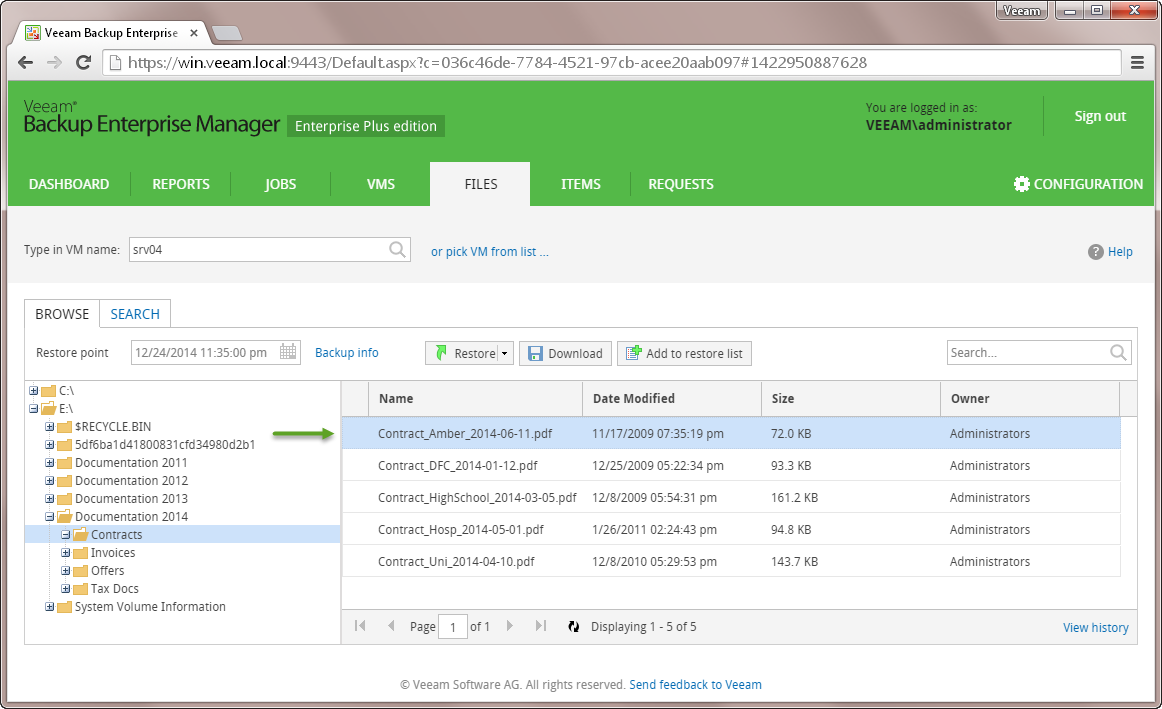
Veeam Backup and Replication Screenshot