Fedora CoreOS Minimal Linux Operating System
Fedora CoreOS is an automatically updating minimal operating system tailored for running containerized workloads securely across various cloud and bare metal environments.
**FREE DOWNLOAD (v43.20260119.3.1)**
File Size: 1.1GB | Safe & Verified
System Utilities
System Optimization
System Utilities
Key Features of Fedora CoreOS
- Fedora CoreOS is a purpose built minimal operating system engineered from the ground up to run containerized workloads securely and efficiently at scale.
- As organizations increasingly adopt cloud native architectures and microservices, the underlying infrastructure must evolve to meet these new demands.
- Fedora CoreOS answers this call by combining the provisioning tools and automated update model of CoreOS Container Linux with the robust packaging, security, and hardware support of Fedora Atomic Host.
- The result is a highly reliable, immutable operating system that serves as the perfect foundation for Kubernetes clusters, Docker Swarm deployments, and standalone container applications in any modern computing environment.
- One of the defining characteristics of Fedora CoreOS is its immutability.
- Unlike traditional operating systems where administrators install packages and modify configuration files directly on a running system, Fedora CoreOS uses a read only root filesystem powered by rpm-ostree.
- This means every host boots into a known, identical state, completely eliminating configuration drift across your infrastructure.
- When updates are applied or changes are made, they are staged in a new deployment and applied upon the next reboot.
- If an update causes an issue, administrators can instantly rollback to the previous known good state, ensuring maximum uptime and reliability for mission critical applications.
- Security is deeply integrated into every layer of Fedora CoreOS.
- Because the attack surface is dramatically reduced by omitting unnecessary software packages, there are fewer vulnerabilities to exploit.
- Furthermore, Security Enhanced Linux is enabled and enforced by default, providing mandatory access control policies that confine containers and prevent compromised applications from affecting the host operating system or other containers.
- Automated updates are another critical security feature.
- Fedora CoreOS constantly checks for, downloads, and stages the latest updates in the background.
- Administrators can define maintenance windows to control when nodes reboot, ensuring that security patches and kernel updates are applied swiftly without requiring manual intervention.
- Deploying Fedora CoreOS is streamlined through Ignition, a specialized first boot provisioning tool.
- Instead of running post installation scripts or relying on SSH to configure a node, administrators provide a JSON configuration file to Ignition during the initial boot process.
- Ignition reads this file and configures disks, partitions, filesystems, systemd units, and users before the system even finishes booting.
- This declarative approach to infrastructure allows teams to spin up hundreds of identical bare metal servers, virtual machines, or cloud instances with absolute consistency.
- Fedora CoreOS supports an expansive range of platforms, including major public clouds like Amazon Web Services, Google Cloud Platform, and Microsoft Azure, as well as on premises hypervisors and bare metal hardware.
- For development, operations, and security teams looking to deploy scalable container infrastructure in 2026, Fedora CoreOS delivers unmatched stability, security, and automation capabilities.
How to Deploy Fedora CoreOS
Fedora CoreOS (FCOS) is an auto-updating, minimal operating system for running containerized workloads securely and at scale. Follow these steps to provision your first instance:
-
Create a Butane ConfigurationDefine your system configuration (users, SSH keys, systemd units) in a
.buButane file. This is the "source of truth" for your server's state. -
Transpile to Ignition ConfigUse the Butane tool to convert your
.bufile into a JSON-based Ignition config. This machine-readable file is what FCOS uses to configure itself during the first boot. -
Launch Your InstanceProvide the Ignition config to your platform (AWS, GCP, VMware, or Bare Metal) via user-data. FCOS will boot, apply the configuration, and start your services automatically.
-
Run Your ContainersOnce the system is up, use the built-in Podman or Docker runtimes to pull and manage your containerized applications without manual OS intervention.
Pro Tip: Fedora CoreOS is "immutable." Instead of SSHing into a server to change a setting, update your Ignition config and re-provision the node for a more reliable, "cattle-not-pets" infrastructure.
Frequently Asked Questions
Ignition only runs once. To update the configuration, you should modify your Butane/Ignition file and provision a new node. For runtime configuration changes, use tools like
rpm-ostree for package layering or configuration management for persistent data.
Yes. By default, FCOS uses Zincati to check for updates and rpm-ostree to apply them. It automatically reboots the system into the new version to ensure you are always running the latest security patches.
No. Fedora CoreOS uses
rpm-ostree instead of dnf. This is because the root filesystem is read-only to ensure system stability. You should ideally run all software inside containers rather than installing packages directly on the host.
If the provisioning fails, the boot process will halt. This is usually due to a syntax error in the JSON or a network issue fetching remote resources. Always validate your Butane config using the
--strict flag before transpiling to Ignition.
Technical Specifications
- Publisher: Fedoraproject.org
- License: System Utilities
- Operating System: Windows 7, Windows 8, Windows 10, Windows 11
- Category: System Utilities / System Optimization
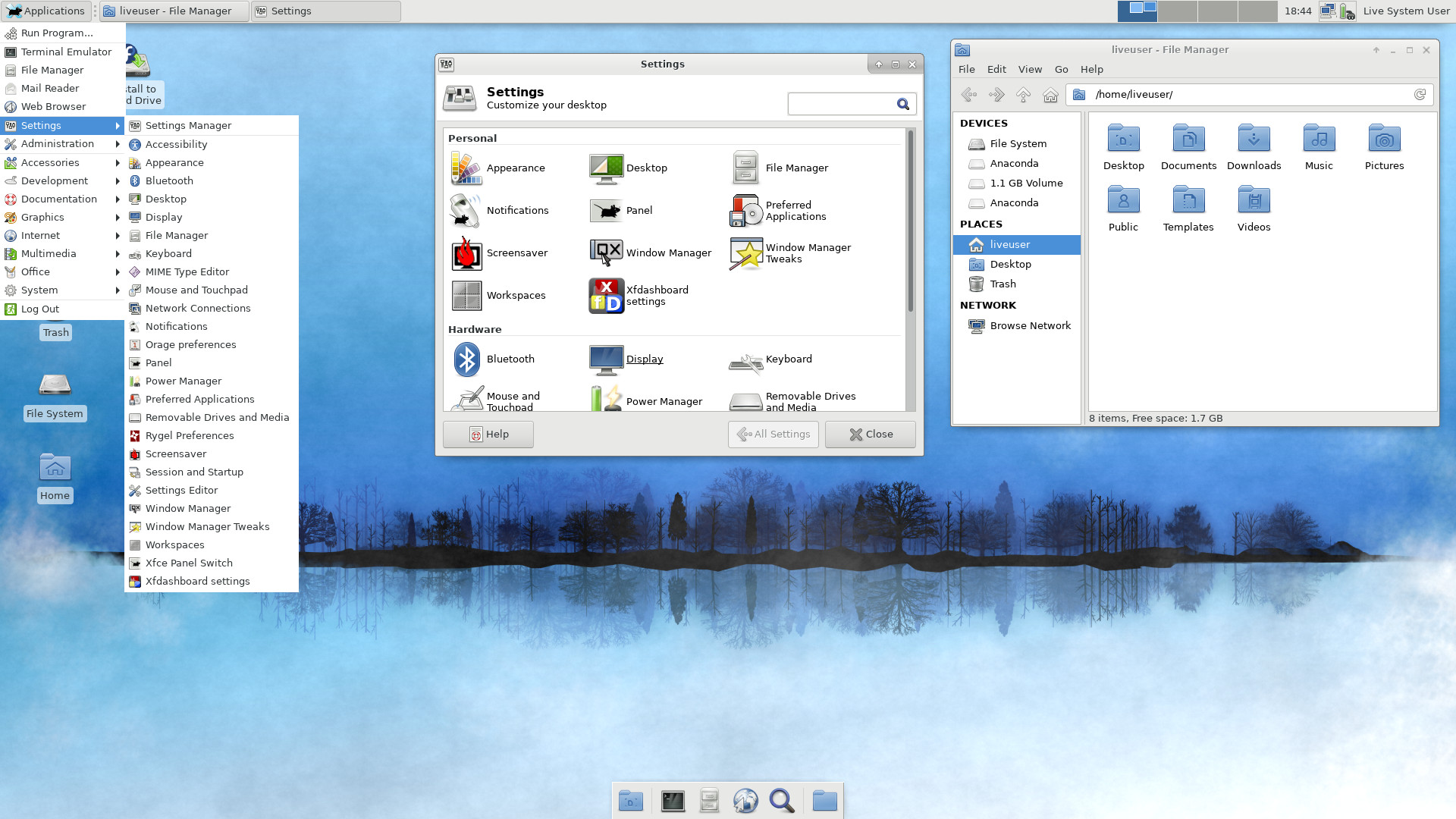
Fedora CoreOS Screenshot
User Rating
Based on 10 reviews.