RustDesk - High Speed Remote File Manager

4.52/5 (15 Reviews)

RustDesk is a full featured open source remote control alternative for self hosting and data security.

Internet And Network Browsers And FTP Open Source
FREE DOWNLOAD (v1.2.3)
File Size: 28.9MB | Safe & Verified

Key Features of RustDesk

  • RustDesk is a premier open source utility designed for high performance remote desktop access and advanced technical support management.
  • It provides users with a remarkably robust environment to connect to external PCs and assist family members or clients without relying on expensive proprietary services with absolute precision.
  • Its support for end to end encryption ensures that every remote session is handled with incredible speed and professional grade security.

How to set up secure remote access with RustDesk

RustDesk is a fast, open-source remote desktop alternative that gives you complete control over your data. Follow these steps to connect to a remote computer safely:

  1. Download and Install
    Get the RustDesk client from the official website for both your local and remote devices. You can run the downloaded file directly as a portable app, or click "Install" for permanent unattended background access.
  2. Retrieve the Connection Credentials
    Open RustDesk on the remote machine (the one you want to control). On the left side of the screen, you will see your device's unique, auto-generated numerical ID and a hidden Password.
  3. Establish the Connection
    On your local machine, type the remote device's ID into the "Control Remote Desktop" search bar and click Connect. Enter the password when prompted to establish a secure, end-to-end encrypted screen-sharing session.
  4. Configure a Self-Hosted Server (Optional)
    For ultimate privacy, IT admins can bypass public servers entirely. Click the Settings icon (the three dots next to your ID), navigate to Network, and enter the IP address and encryption key of your own self-hosted RustDesk server.
Pro Tip: To easily transfer files between computers, don't just use drag-and-drop. Use the dedicated File Transfer button in the top toolbar during an active session—it opens a dual-pane file manager that is much faster and more reliable for large folders!

Frequently Asked Questions

Yes. The core RustDesk software is fully open-source and free for both personal and commercial use. Unlike competitors that heavily monitor your usage and block you with "commercial use suspected" pop-ups, RustDesk imposes no artificial session limits.

The biggest difference is privacy and network ownership. While other tools route your screen-sharing data through their proprietary, closed-source corporate servers, RustDesk allows you to easily self-host the server software on your own network or cloud instance. This means your data never touches third-party infrastructure.

If you are using the default public servers, this usually means your local firewall or antivirus is blocking the connection. If you are self-hosting your own server, this almost always means you forgot to forward the correct ports on your router (specifically TCP ports 21115-21119 and UDP port 21116), or your client's encryption key doesn't match the server's key.

Apple's macOS has strict security features that prevent third-party apps from controlling your mouse or viewing your screen by default. To fix this, you must physically go to the Mac, open System Settings > Privacy & Security, and explicitly grant the RustDesk application permissions under both the Accessibility and Screen Recording menus.

Technical Specifications

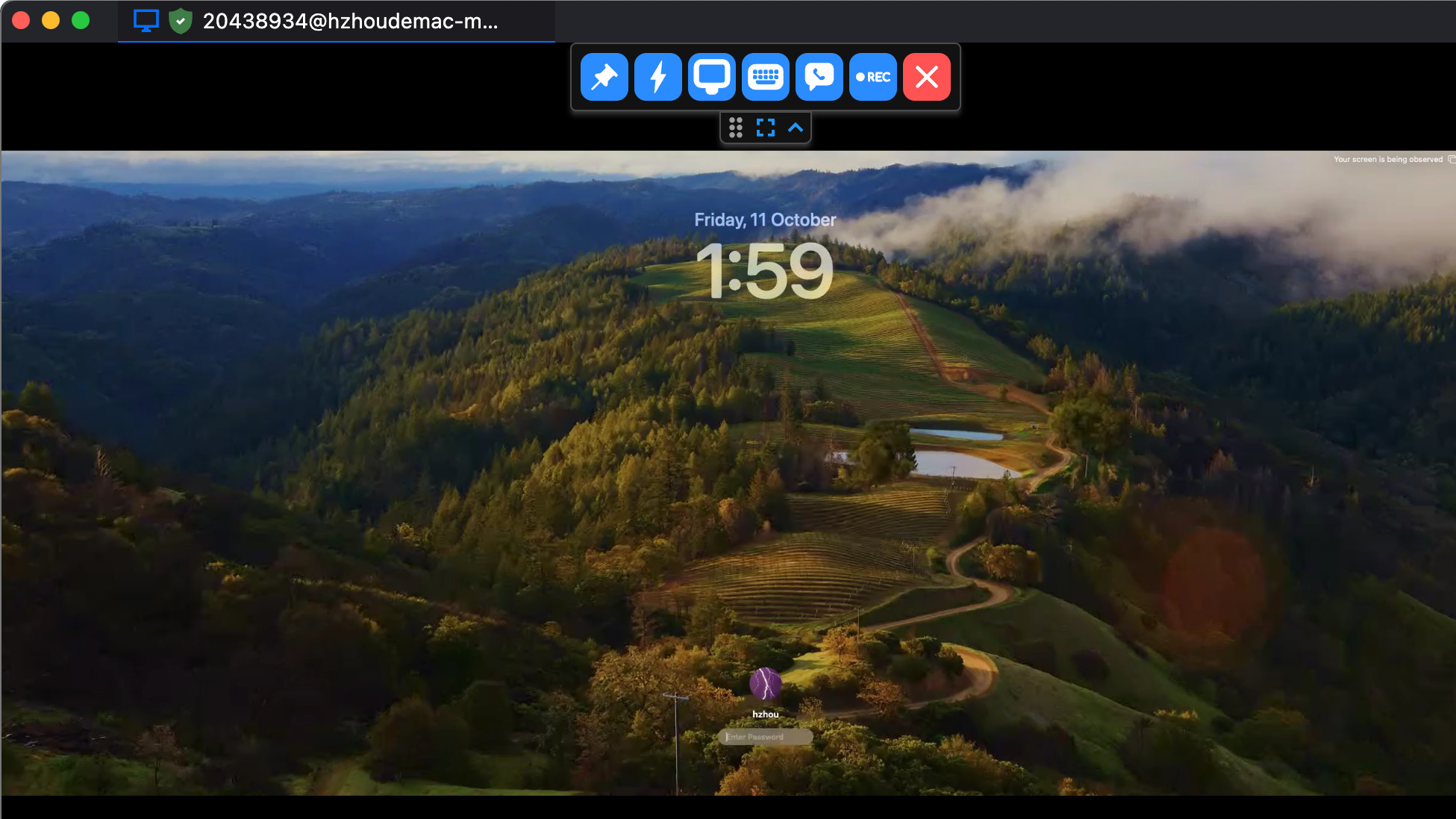
RustDesk Screenshot

Screenshot of RustDesk for Windows | Fast Remote Software