PowerToys Professional Advanced Windows System Utility
4.21/5 (14 Reviews)
Microsoft PowerToys is a set of utilities for power users to tune and streamline their Windows experience.
System Utilities
System Optimization
Open Source
FREE DOWNLOAD (v0.95.0)
File Size: 245MB | Safe & Verified
Key Features of Microsoft PowerToys
- Microsoft PowerToys is a premier system utility suite designed for high performance desktop customization and advanced workflow optimization.
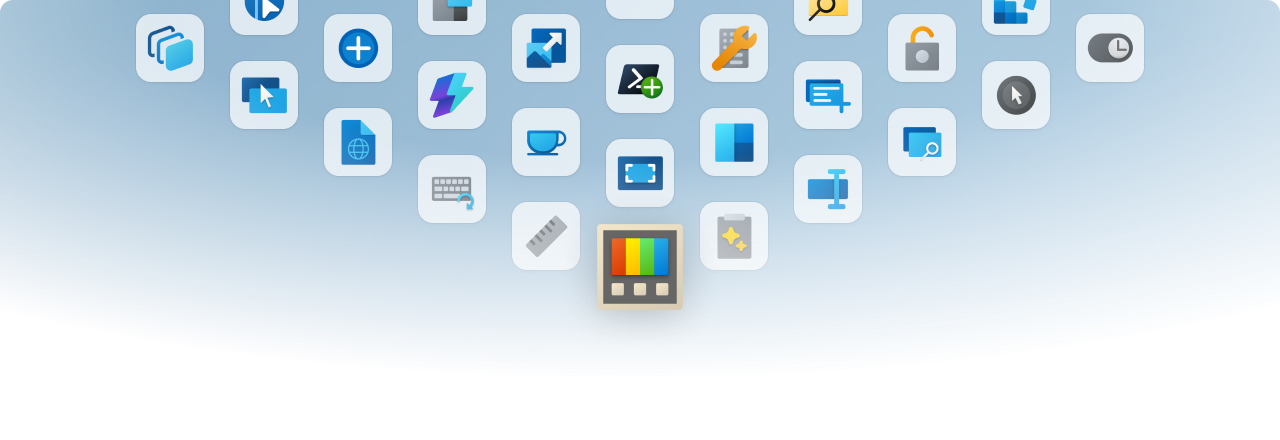
- It provides power users with a comprehensive collection of tools including FancyZones for intricate window management, PowerToys Run for lightning fast application launching, and Keyboard Manager for remapping shortcuts system wide.
- The software seamlessly integrates into the Windows shell to enhance productivity without introducing unnecessary overhead or telemetry.
- In 2026, it remains a vital toolkit for professionals needing a safe and verified environment to maximize their daily efficiency and tailor the operating system to their specific needs.
- Its open source development model backed by Microsoft ensures continuous updates and community driven features, making PowerToys the globally trusted choice for Windows power users.
How to boost your productivity with Microsoft PowerToys
Microsoft PowerToys is a set of utilities for power users to tune and streamline their Windows experience for greater productivity. Follow these steps to set up the most popular tools:
-
Install and Access the SettingsDownload PowerToys via the Microsoft Store or GitHub. Once installed, an icon will appear in your system tray. Click it to open the PowerToys Settings app, where you can toggle individual utilities on or off.
-
Create Custom Window Layouts (FancyZones)Enable FancyZones and press
Win + Shift + `to open the layout editor. Create a custom grid for your monitor. Now, simply hold theShiftkey while dragging any window to snap it perfectly into your defined zones. -
Launch Apps Instantly (PowerToys Run)Instead of searching through the Start Menu, press
Alt + Spaceto bring up PowerToys Run. A quick search bar will appear in the middle of your screen. Type an app name, file, or even a math equation to open or solve it instantly. -
Copy Text from Images (Text Extractor)If you need to copy text from a photo, video, or unselectable document, press
Win + Shift + T. Click and drag over the text on your screen, and PowerToys will instantly use OCR to copy the text to your clipboard so you can paste it anywhere.
Pro Tip: Need your computer to stay awake during a long download or presentation? Turn on the Awake utility in the settings tray to keep your PC on indefinitely without having to dig into your Windows power and sleep settings!
Frequently Asked Questions
Yes. PowerToys is an official, open-source project developed by Microsoft in collaboration with the Windows community. It is completely free, safe, and contains no ads or hidden software.
PowerToys is designed to be highly efficient and lightweight. Furthermore, you have full control over the application; if you aren't using certain tools (like ColorPicker or PowerRename), you can simply toggle them off in the settings to save system resources.
Yes. The software is fully compatible with both Windows 10 (v2004 or newer) and Windows 11. Most features integrate seamlessly into both operating systems, though the UI will match your current Windows version.
If you installed it via the Microsoft Store, it will update automatically. If you installed it manually, the PowerToys app will notify you when an update is available, and you can download and install it directly from the "General" tab in the settings.
Technical Specifications
- Publisher: Learn.microsoft.com
- License: Open Source
- Operating System: Windows 7, Windows 8, Windows 10, Windows 11
- Category: System Utilities / System Optimization
Microsoft PowerToys Screenshot