Free Windows Admin Tool
4.04/5 (412 Reviews)
Free Windows Admin tools contains a set of 14 enhanced tools to ease day-to-day desktop management.
System Utilities
System Optimization
Freeware
FREE DOWNLOAD (v3.0)
File Size: 5MB | Official Download
Key Features of Free Windows Admin Tool
- Free Windows Admin tools contain a set of 14 enhanced tools which is essential for every windows administrator to perform day-to-day desktop management operations.
- This is made available from the Desktop Central family and is provided as a separate download, which is absolutely free to use.
- Wake on LAN Tool: It allows the administrators to boot multiple computers simultaneously.
- GPO Update Tool: This helps the Administrators to perform a GPO Update on-demand on multiple domain computers simultaneously.
- Shutdown / Restart Tool: It shutdowns or restarts the computers of a Windows Domain.
- Software Inventory Tool: This retrieves the details of the software installed on the computers of a Windows Domain.
- Join/Unjoin Computer Tool: Utility to move a computer from one domain to another or from a domain to a workgroup or from a workgroup to a domain.
- Remote Task Manager Tool: Utility to view the processes running on a remote computer along with its details like Process ID, Memory Usage, Session ID, Priority, etc.
- Currently Logged On User: Utility to retrieve the details of the users logged on to a remote computer.
- Hard Disk Space Monitor: Utility to retrieve the information about the Hard Disk like Partition/Drives, Volume Name, Total Size, Free Space, and File System.
- Remote Command Prompt Tool: Free tool to open a command prompt of a remote computer and execute a command.
- Local Users/Group tool: Tool to get the information about local users and groups on the remote computers.
- Network Share browser tool: Tool to get the information about the files, folders and Active Sessions of the shares on a remote computer.
- Laptop Battery Power monitor: Tool to monitor the battery power of the portable computers in the network periodically and alert by playing a sound when the power falls below a specified percentage.
- System Inventory Tool: Tool to fetch inventory information of a remote computer.
- Remote Device Manager: Tool to manage devices connected to a remote computer.
Technical Specifications
- Publisher: Manageengine.com
- License: Freeware
- Operating System: Windows 7, Windows 8, Windows 10, Windows 11
- Category: System Utilities / System Optimization
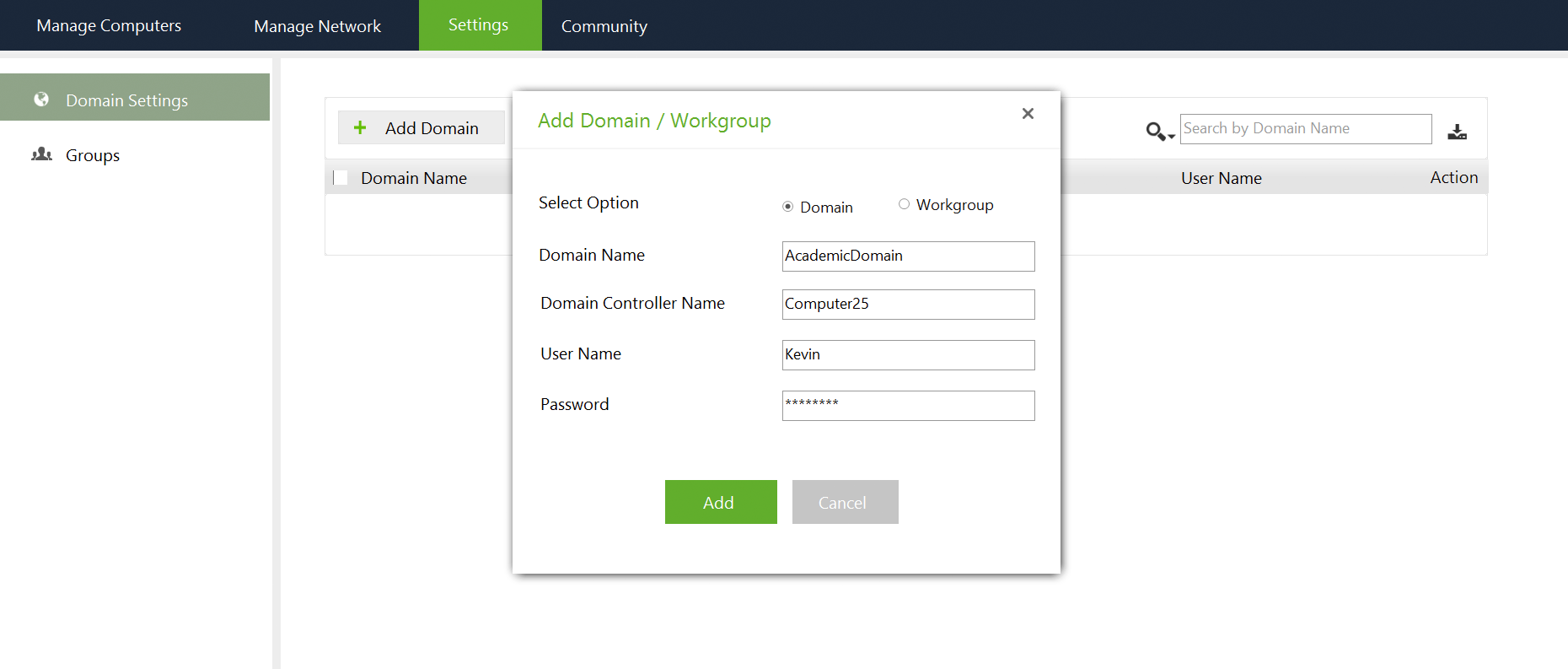
Free Windows Admin Tool Screenshot