eDoc PDF Data Extractor Utility
3.90/5 (137 Reviews)
Doc Data Extractor extracts selected text from a searchable PDF in a batch process and uses this text to rename the file and optionally create a CSV file.
System Utilities
Automation
Shareware
FREE DOWNLOAD (v1.0)
File Size: 11675KB | Official Download
Key Features of eDoc PDF Data Extractor
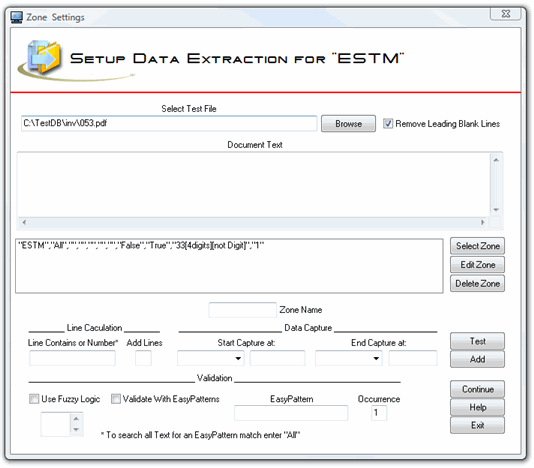
- The purpose of eDoc Data Extractor is to extract text from a searchable PDF in a batch process, and use this text to rename the file and optionally create a CSV file.
- Since OCR is not perfect, the program was designed to validate the captured data with rules.
- The CSV file can be used to populate fields in eDoc Viewer if desired to build a simple workflow.
Technical Specifications
- Publisher: Edocfile.com
- License: Shareware
- Operating System: Windows 7, Windows 8, Windows 10, Windows 11
- Category: System Utilities / Automation
eDoc PDF Data Extractor Screenshot