dbForge Schema Compare for PostgreSQL Utility
3.88/5 (201 Reviews)
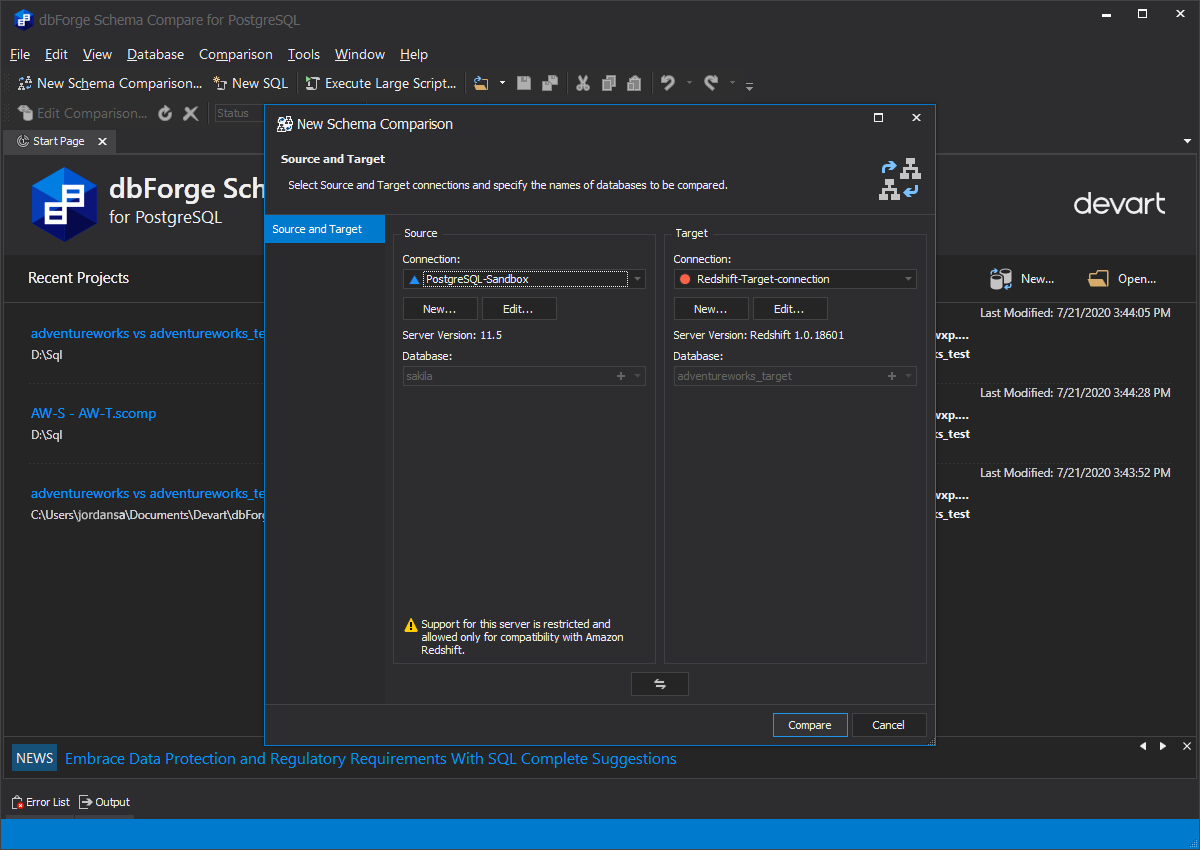
dbForge Schema Compare is a tool for easy and effective comparison and synchronization of Amazon Redshift and PostgreSQL database structure differences.
Multimedia And Design
Image And Graphic Design
Shareware
FREE DOWNLOAD (v1.4)
File Size: 49.46MB | Official Download
Key Features of dbForge Schema Compare for PostgreSQL
- dbForge Schema Compare is a tool for easy and effective comparison and synchronization of Amazon Redshift and Delphi-7.phtml" title="View software for postgresql">PostgreSQL database structure differences.
- It helps compare database schemas, gives comprehensive information on all differences, and generates clear and accurate SQL synchronization scripts to deploy database changes.
- Key Features: * Find differences and sync Redshift and PostgreSQL databases quickly and efficiently * Generate SQL scripts to update one database with the contents of another * Apply updates from development databases to staging or production * Sync tables between PostgreSQL and Redshift databases * Compare the structures of Amazon Redshift databases and fix errors * Migrate PostgreSQL schemas to Amazon Redshift * Automate routine synchronization tasks via the command-line interface You can always find the latest version of the product on the official Devart website.
Technical Specifications
- Publisher: Devart.com
- License: Shareware
- Operating System: Windows 7, Windows 8, Windows 10, Windows 11
- Category: Multimedia And Design / Image And Graphic Design
dbForge Schema Compare for PostgreSQL Screenshot