Database Converters for Windows Utility
4.73/5 (230 Reviews)
Convert your Excel, Access, DBF, CSV files to different formats with ease.
Development And IT
Databases
Shareware
FREE DOWNLOAD (v3.45)
File Size: 21585KB | Official Download
Key Features of Database Converters for Windows
- Convert your Excel, Access, DBF, CSV files to different formats with ease.
- Every converter works as a standalone application with the graphic interface or using a command line interface.
- Various options allow you to customize the output file.
- The Expert mode allows you to automatize everyday`s routine operations.
- It supports CSV to Excel, DBF; Excel to DBF, CSV, JSON; Access to Excel, DBF, CSV; DBF to Excel, Access, CSV, DBF, JSON, SQL;
Technical Specifications
- Publisher: Whitetown.com
- License: Shareware
- Operating System: Windows 7, Windows 8, Windows 10, Windows 11
- Category: Development And IT / Databases
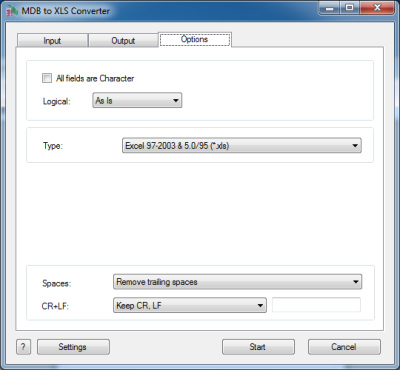
Database Converters for Windows Screenshot