Notepad++ Professional Source Code Editing Tool
4.14/5 (29 Reviews)
Notepad plus plus is a free source code editor and Notepad replacement that supports several languages.
Development And IT
Coding Utilities
Open Source / Freeware
FREE DOWNLOAD (v8.6.2)
File Size: 5MB | Safe & Verified
Key Features of Notepad Plus Plus Code Editor
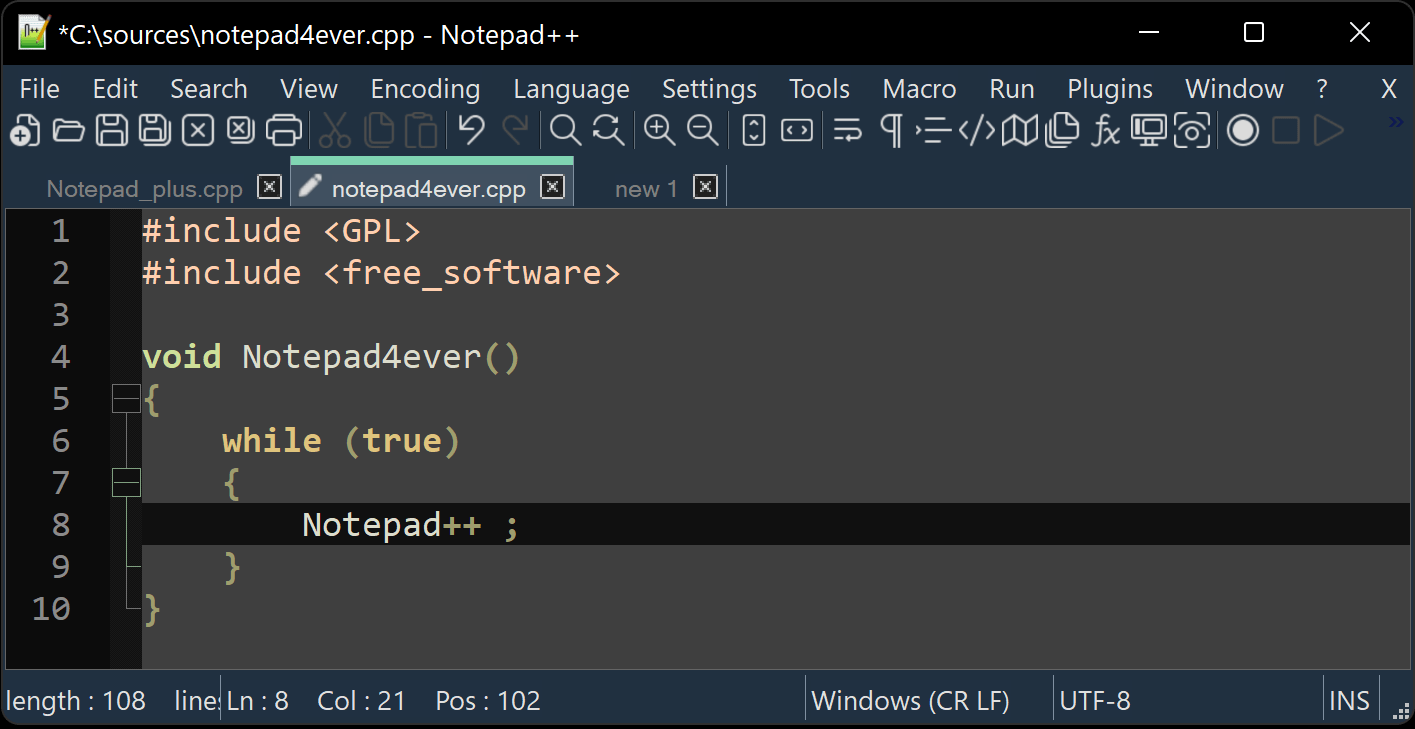
- Notepad plus plus is a powerful source code editor based on the Scintilla editing component.
- It is written in C++ and uses pure Win32 API and STL which ensures a higher execution speed and smaller program size.
- By optimizing as many routines as possible without losing user friendliness, it reduces carbon dioxide emissions because the PC uses less power.
- It supports syntax highlighting, macro recording, and numerous plugins.
- This safe and verified tool is essential for developers worldwide.
Frequently Asked Questions
No. Notepad++ is natively built for the Windows environment using Win32 API for speed and small program size. While it can be run on Linux using "Wine," there is no official native version for macOS or Linux.
Yes. Notepad++ is highly optimized and can handle files much larger than the standard Windows Notepad. However, for files exceeding 2GB, performance may slow down depending on your system's RAM.
Go to Settings > Style Configurator. Under the "Select theme" dropdown, you can choose popular dark themes like "Deep Black" or "Zenburn." In newer versions, you can also go to Settings > Preferences > Dark Mode to enable a system-wide dark interface.
This usually happens if the file is "Read-Only" or located in a system folder (like C:\Program Files). To fix this, right-click the Notepad++ shortcut and select "Run as Administrator" to grant the software the necessary permissions to overwrite system files.
Technical Specifications
- Publisher: Notepad-plus-plus.org
- License: Open Source / Freeware
- Operating System: Windows 7, Windows 8, Windows 10, Windows 11
- Category: Development And IT / Coding Utilities
Notepad Plus Plus Code Editor Screenshot